


Description
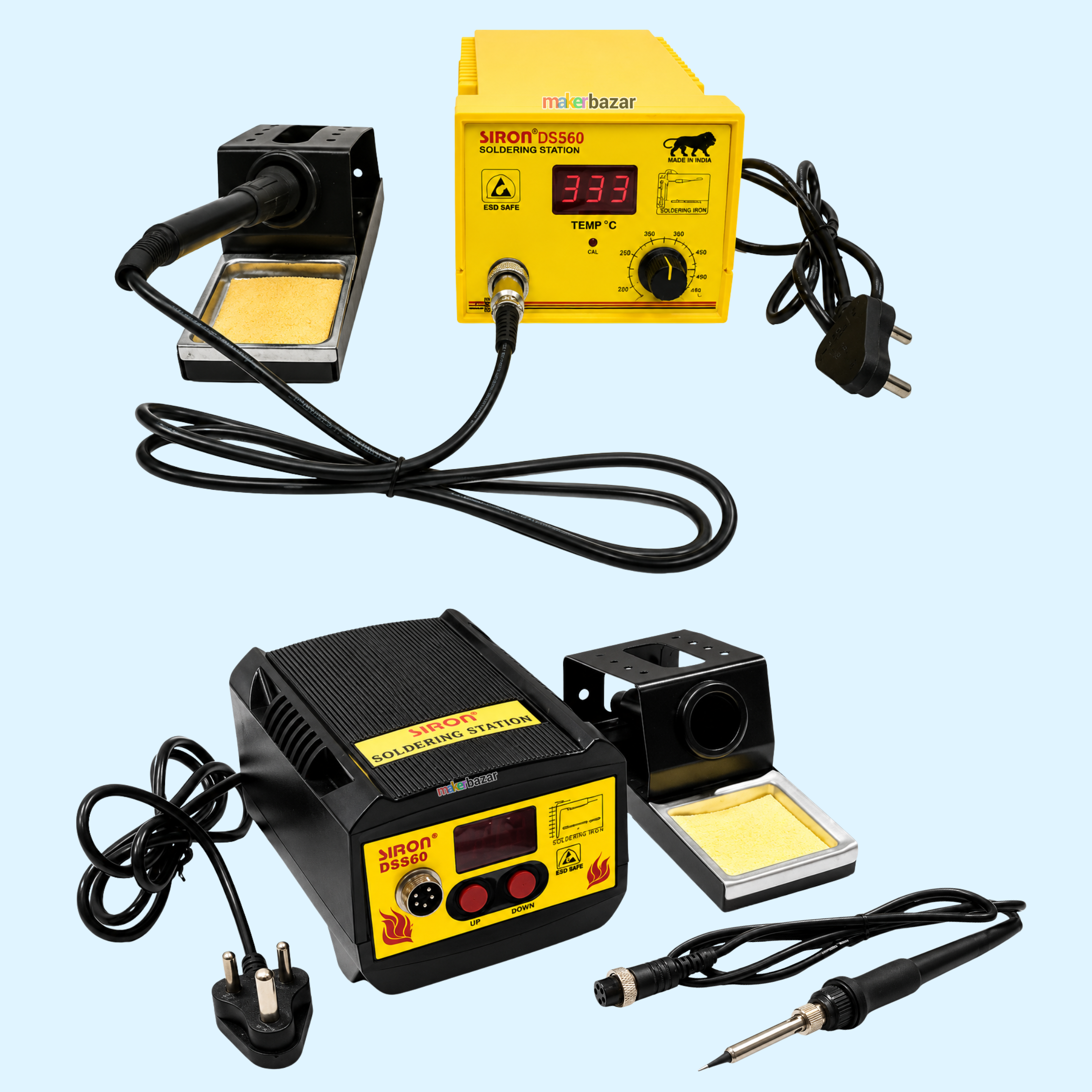
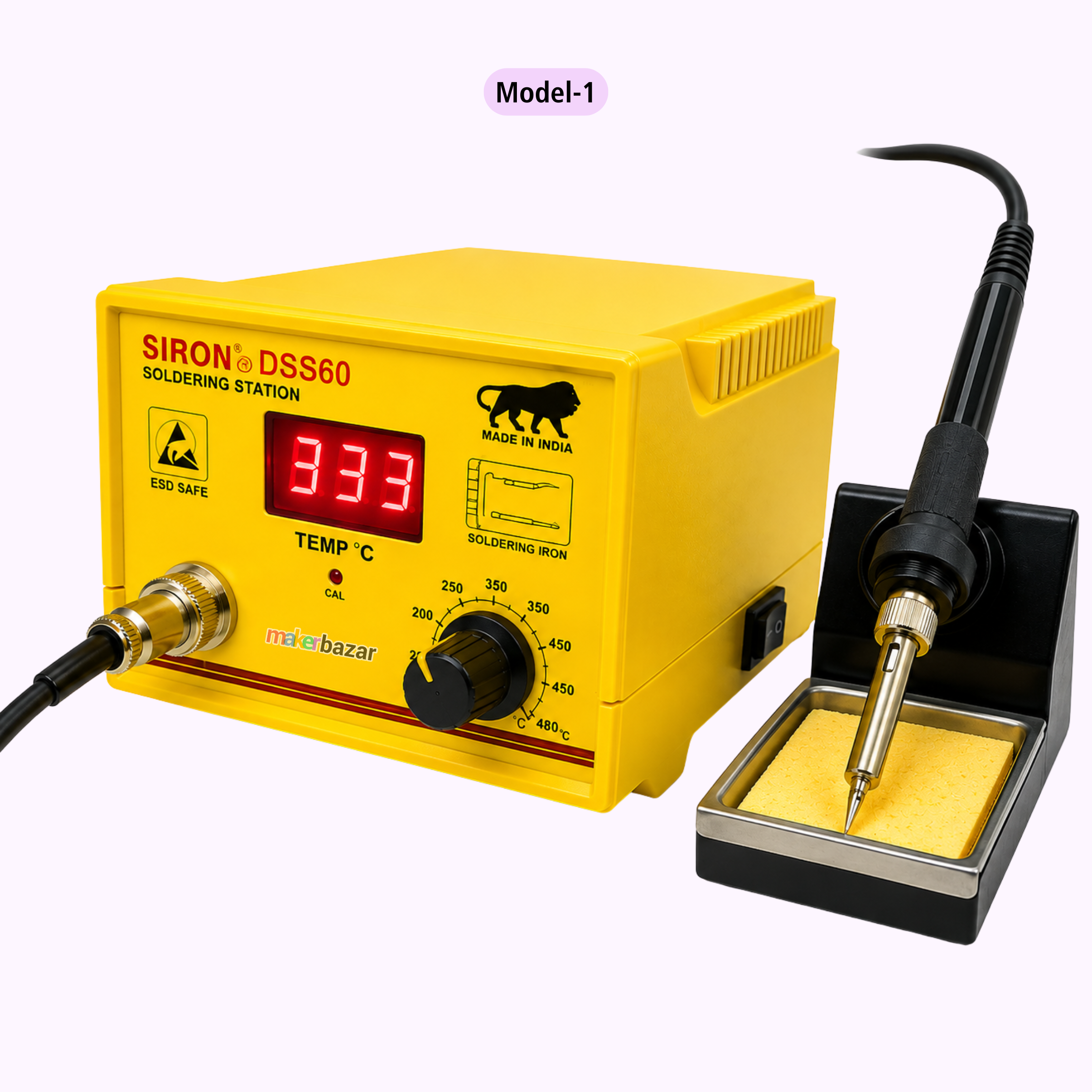
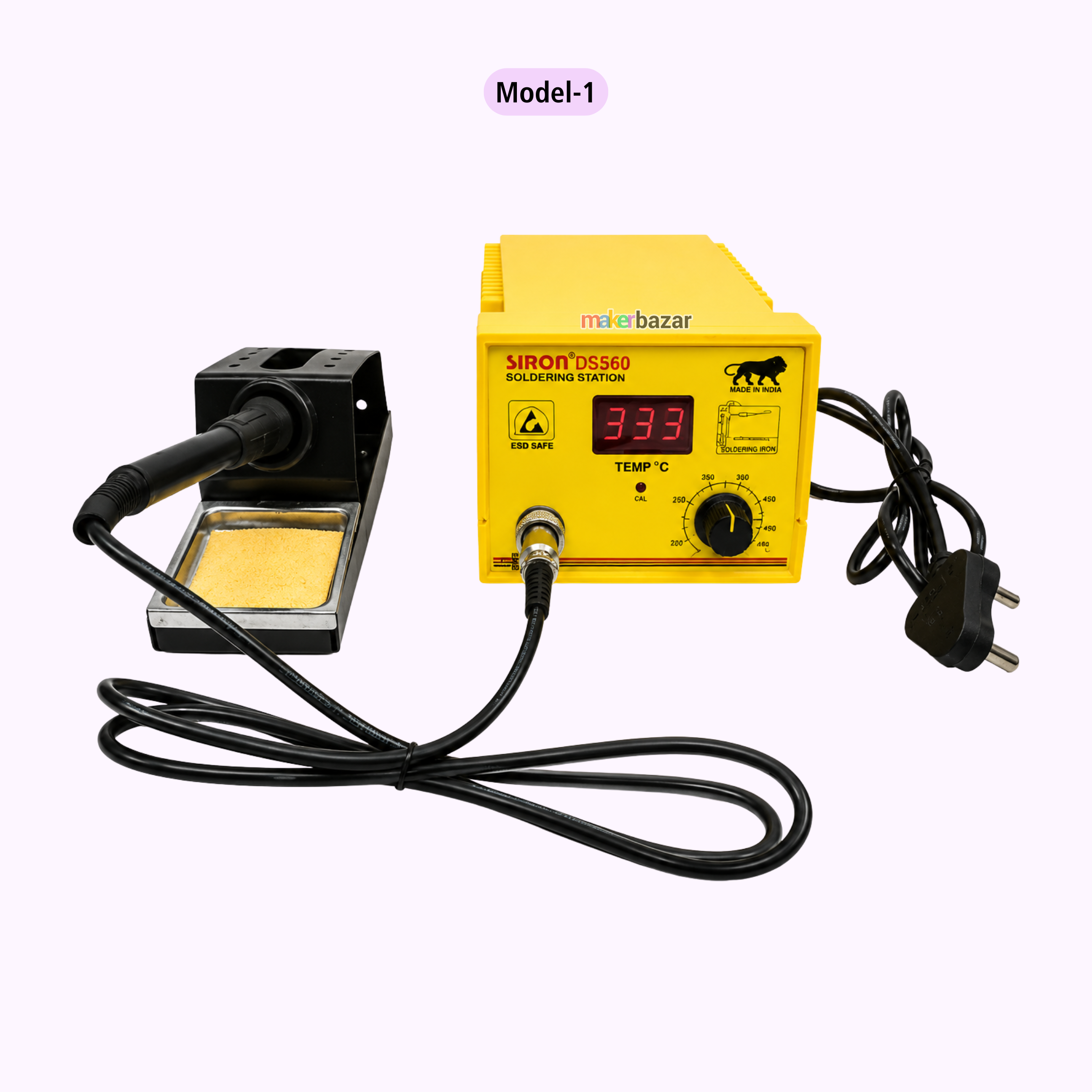
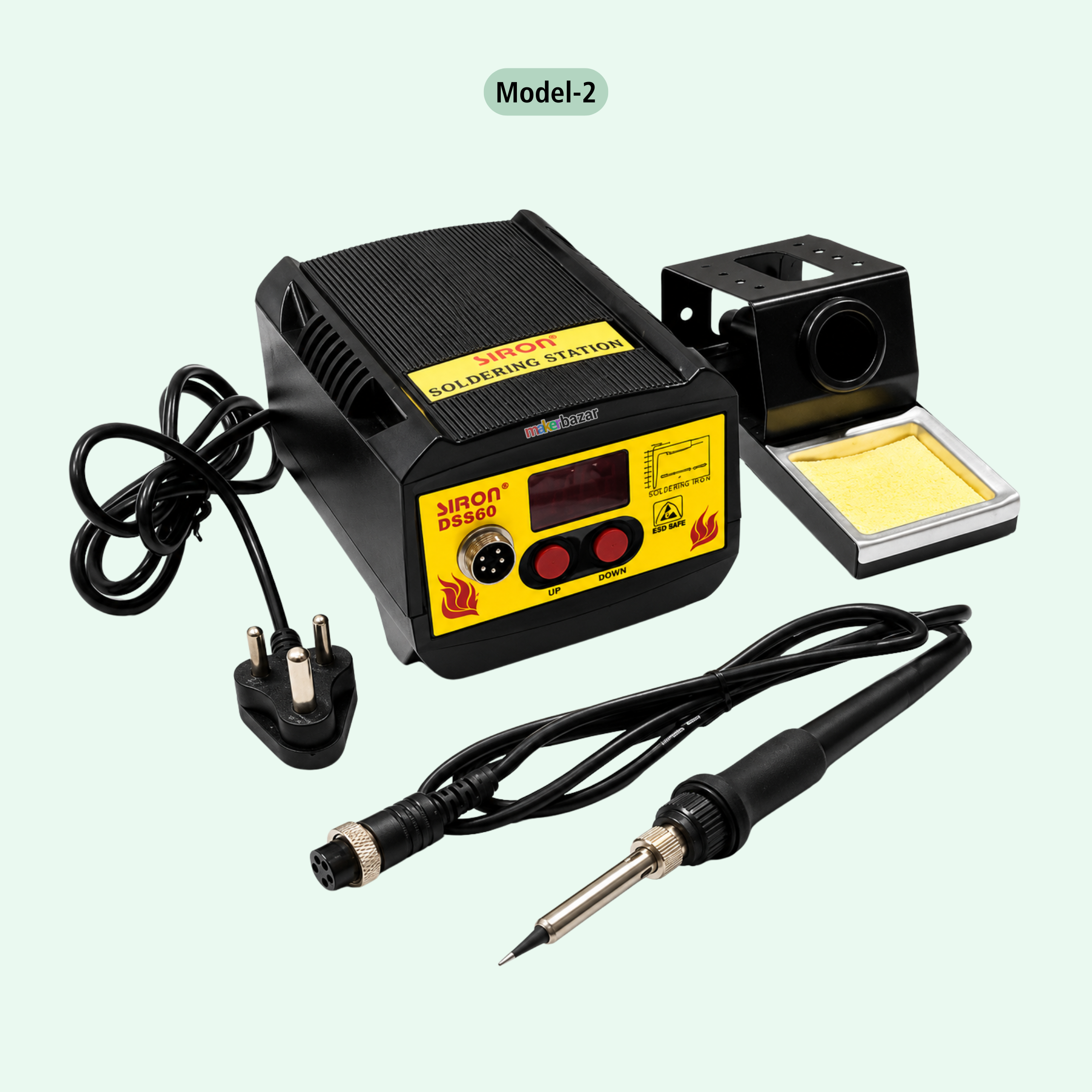
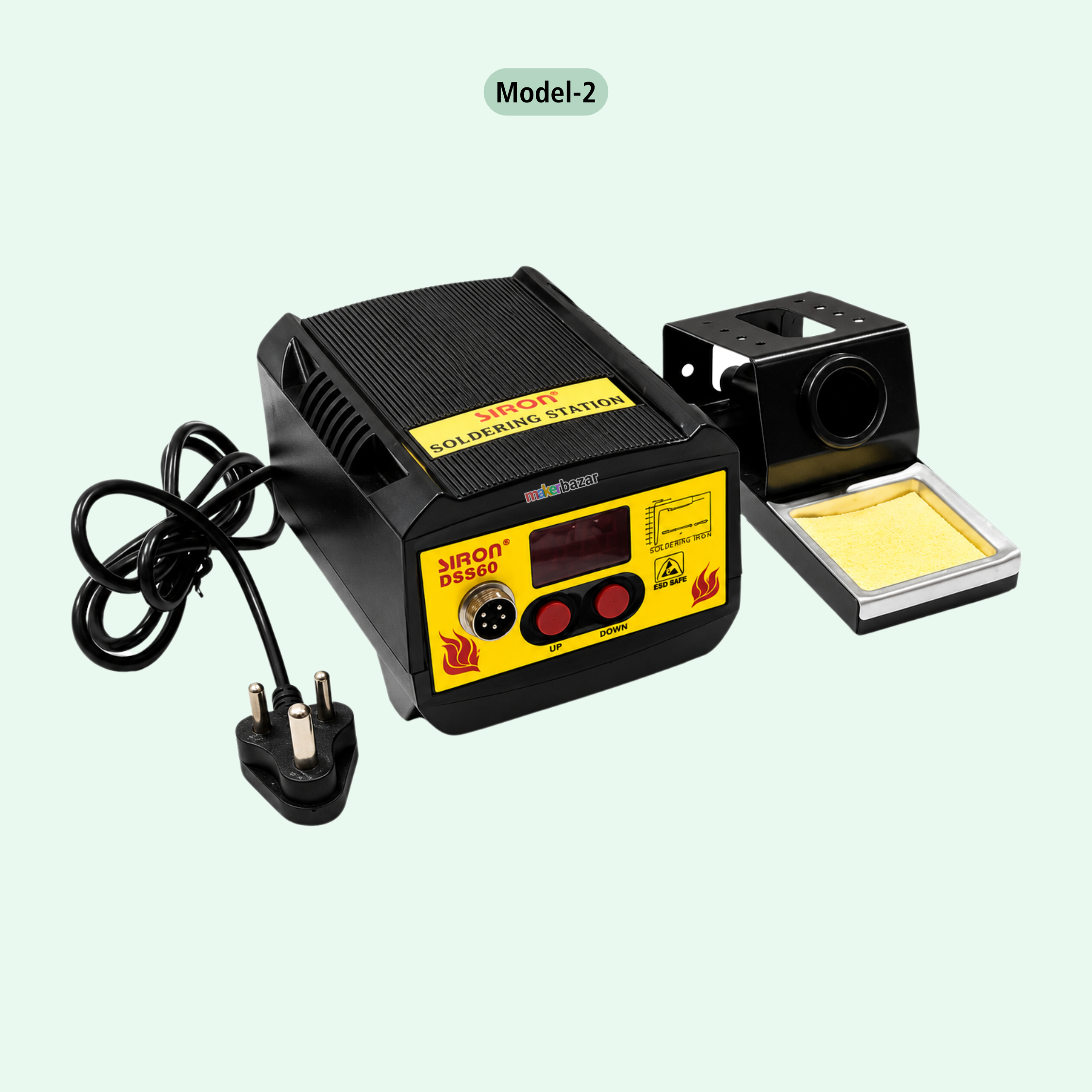
Siron: DSS60 Digital Temp Controlled Soldering 60W Soldering Station
The Siron DSS60 Digital Soldering Station is a 60W precision soldering solution designed for electronics repair, PCB assembly, prototyping, rework, hardware debugging, and professional electronics applications. It features a Japanese ceramic heating element that provides rapid heating, efficient thermal recovery, and stable tip temperature during continuous soldering work.
The DSS60 offers an adjustable temperature range of 150°C to 480°C, allowing the user to select the required temperature according to the component, solder type, and application. The temperature can be conveniently adjusted using the control knob, while the digital display provides clear temperature monitoring.
Its ESD-protected design makes the station suitable for working with sensitive electronic components, PCBs, microcontrollers, Arduino boards, Raspberry Pi boards, and other electronic circuits. The soldering iron features a comfortable non-slip rubber grip, replaceable soldering tips, and a needle-type bit for precision soldering.
Supplied with a soldering iron stand and cleaning sponge, the Siron DSS60 provides a practical workstation for technicians, makers, engineering students, repair professionals, laboratories, and electronics enthusiasts.
Key Features
- 60W Power Output: Suitable for general-purpose and precision electronics soldering.
- 150°C–480°C Adjustable Temperature: Wide temperature range for different soldering requirements.
- Digital Temperature Display: Makes temperature monitoring convenient during operation.
- Japanese Ceramic Heater: Provides quick heating and efficient thermal recovery.
- Accurate Temperature Control: Advanced circuitry helps maintain stable tip temperature.
- ESD Protected: Suitable for handling sensitive electronic components.
- Replaceable Soldering Tips: Allows easy tip replacement according to soldering requirements.
- Needle-Type Tip Included: Suitable for detailed PCB and component soldering.
- Non-Slip Rubber Grip: Provides comfortable handling during extended soldering sessions.
- LED Heating Indicator: Indicates when the soldering iron is heating toward the selected temperature.
- Iron Stand with Sponge: Provides safe iron placement and convenient tip cleaning.
- Suitable for Continuous Work: Stable heating performance for repair, prototyping, and laboratory use.
Technical Specifications
| Parameter | Specification |
|---|---|
| Brand | Siron |
| Model | DSS60 |
| Product Type | Digital Soldering Station |
| Power Output | 60W |
| Soldering Iron Operating Voltage | 24V |
| Temperature Range | 150°C–480°C |
| Temperature Adjustment | Rotary Control Knob |
| Temperature Display | Digital Display |
| Heating Element | Japanese Ceramic Heater |
| Heating Performance | Fast Heating & Thermal Recovery |
| Soldering Tip | Replaceable |
| Included Tip | Needle-Type Bit |
| ESD Protection | Yes |
| Grip Type | Non-Slip Rubber Grip |
| Heating Indicator | LED Indicator |
| Iron Stand | Included |
| Cleaning Sponge | Included |
| Primary Use | PCB Soldering, Electronics Repair & Rework |
Package Contains
| Item | Quantity |
|---|---|
| Siron DSS60 Soldering Station | 1 |
| Soldering Iron with Needle Bit | 1 |
| Soldering Iron Stand | 1 |
| Cleaning Sponge | 1 |
Applications
- PCB soldering and assembly
- Electronics repair and maintenance
- SMD and through-hole component work
- PCB rework and prototyping
- Hardware debugging
- Arduino projects
- Raspberry Pi projects
- Robotics development
- DIY electronics projects
- Engineering college projects
- Electronics training laboratories
- School and educational electronics labs
- Repair workshops
- Component replacement and circuit modification
Precautions
- Always place the hot soldering iron in the supplied stand when not in use.
- Do not touch the soldering tip or heating section during or immediately after operation.
- Select the appropriate temperature according to the solder, PCB, and electronic component.
- Avoid operating at maximum temperature unnecessarily, as excessive heat can reduce tip life.
- Ensure adequate ventilation when soldering to reduce exposure to soldering fumes.
- Keep the station away from water, moisture, and flammable materials.
- Clean the soldering tip regularly using an appropriate cleaning sponge.
- Do not apply excessive mechanical pressure to the soldering tip.
- Switch off and allow the station to cool completely before replacing the soldering tip.
- Keep the soldering station away from children and untrained users.
- Use appropriate ESD precautions when working with static-sensitive electronic components.