


Description
Epson EcoTank L130 Single Function Ink Tank Colour Printer with USB Connectivity
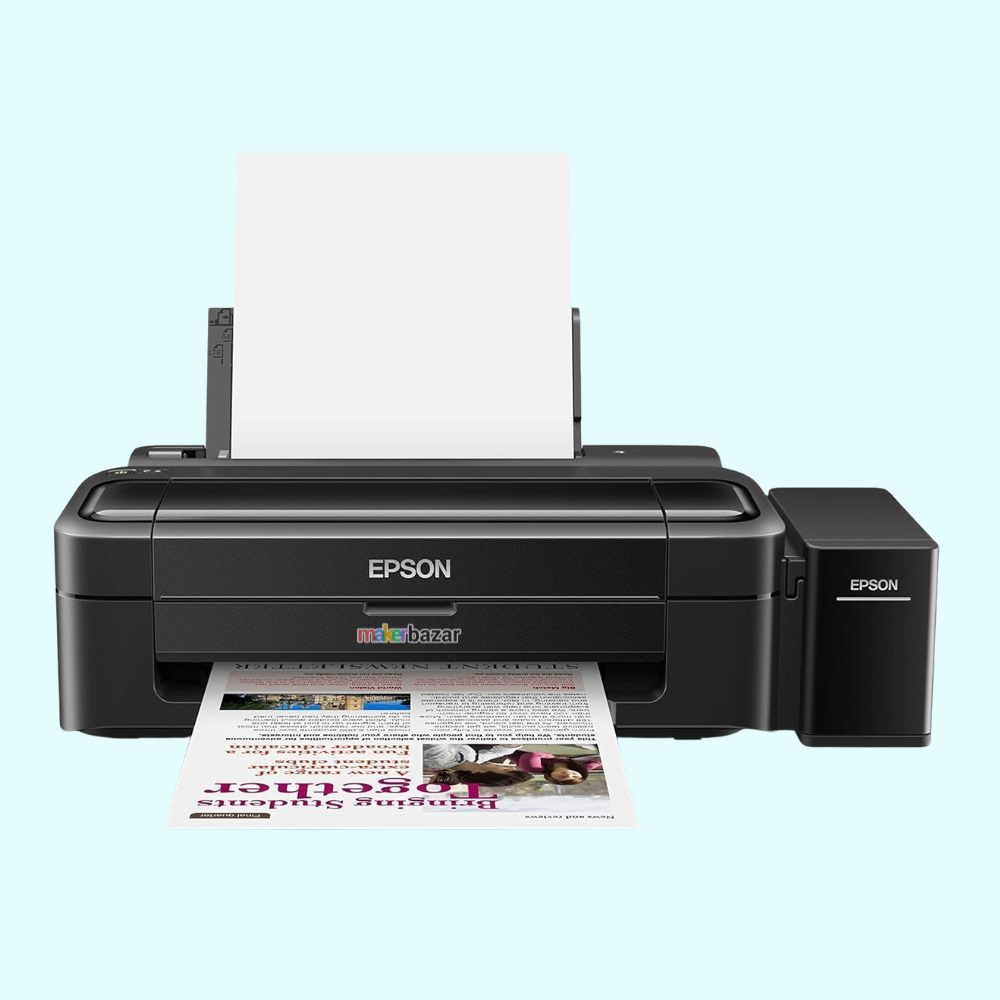
The Epson EcoTank L130 is a single-function colour ink tank printer designed for Economical everyday document printing at home, in offices, schools, and small businesses.
Its high-capacity integrated ink tank system is designed to provide low running costs while making ink refilling convenient. The printer uses Epson genuine CMYK inks and is suitable for printing reports, assignments, documents, forms, and other everyday colour and black-and-white materials. The Epson L130 uses inkjet printing technology and connects to a computer through USB. It delivers a maximum print resolution of up to 5760 × 1440 dpi for detailed and sharp output.
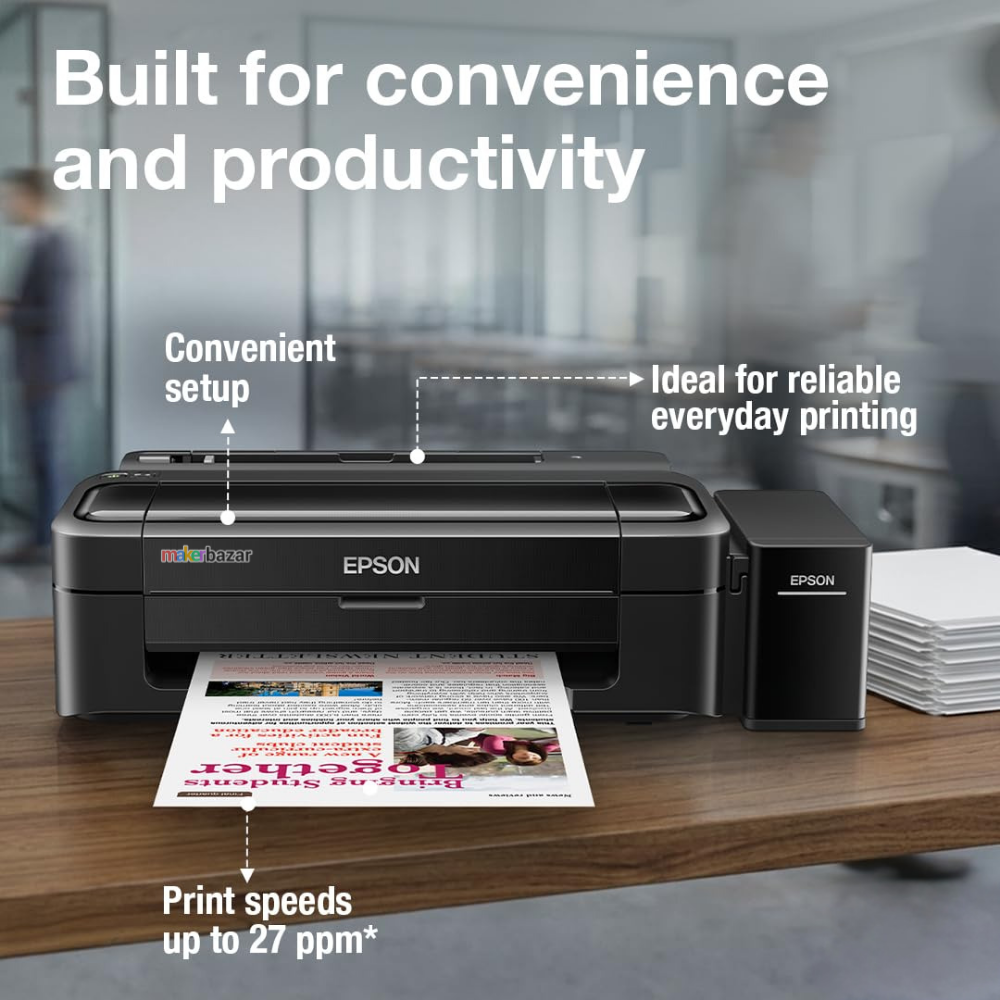
According to Epson, the L130 provides print speeds of up to 8.5 ipm for black-and-white documents and 4.5 ipm for colour documents. It is designed as a print-only device, making it suitable for users who do not require scanning, copying, or fax functionality.
The printer features an integrated ink tank system and is designed for easy, low-maintenance operation. Epson also states that the L130 is covered by a one-year warranty or 15,000 prints, whichever comes first.
Key Features
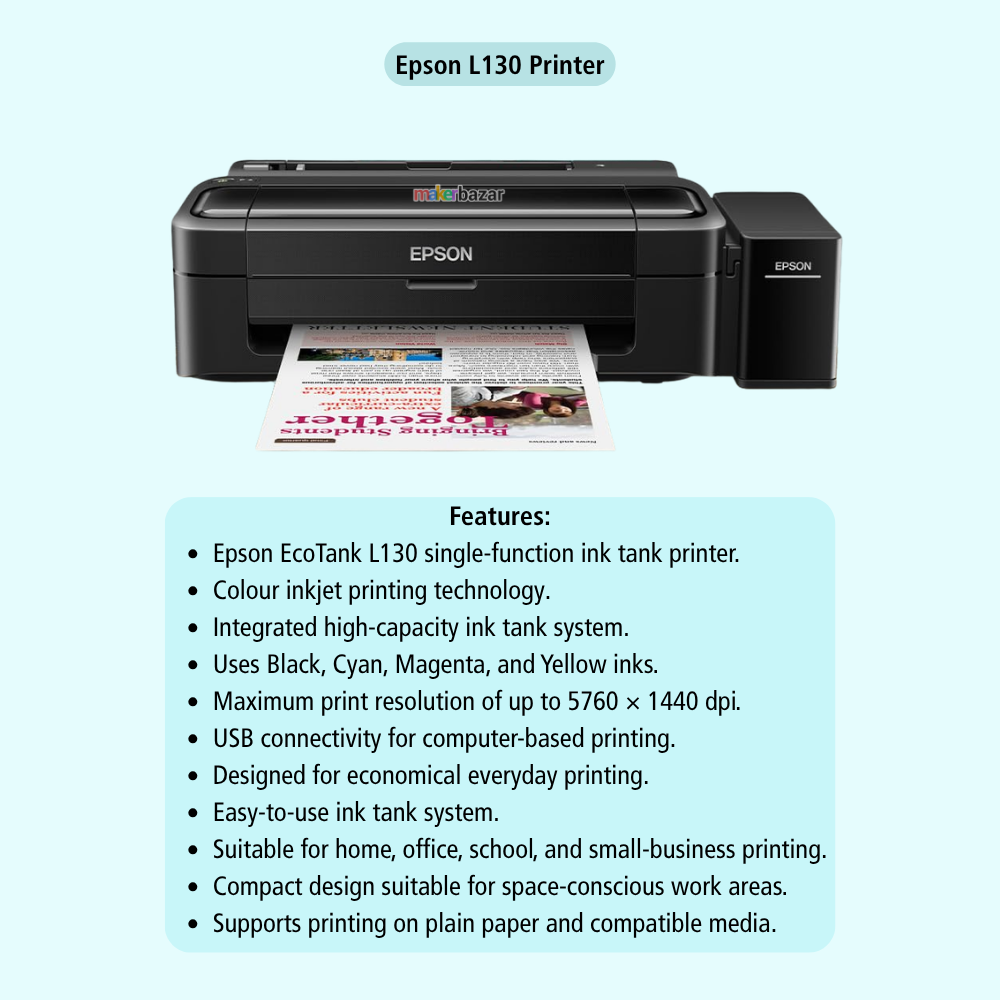
- Epson EcoTank L130 single-function ink tank printer.
- Colour inkjet printing technology.
- Integrated high-capacity ink tank system.
- Uses Black, Cyan, Magenta, and Yellow inks.
- Maximum print resolution of up to 5760 × 1440 dpi.
- Print speed of up to 8.5 ipm for black-and-white printing.
- Print speed of up to 4.5 ipm for colour printing.
- USB connectivity for computer-based printing.
- Designed for economical everyday printing.
- Easy-to-use ink tank system.
- Suitable for home, office, school, and small-business printing.
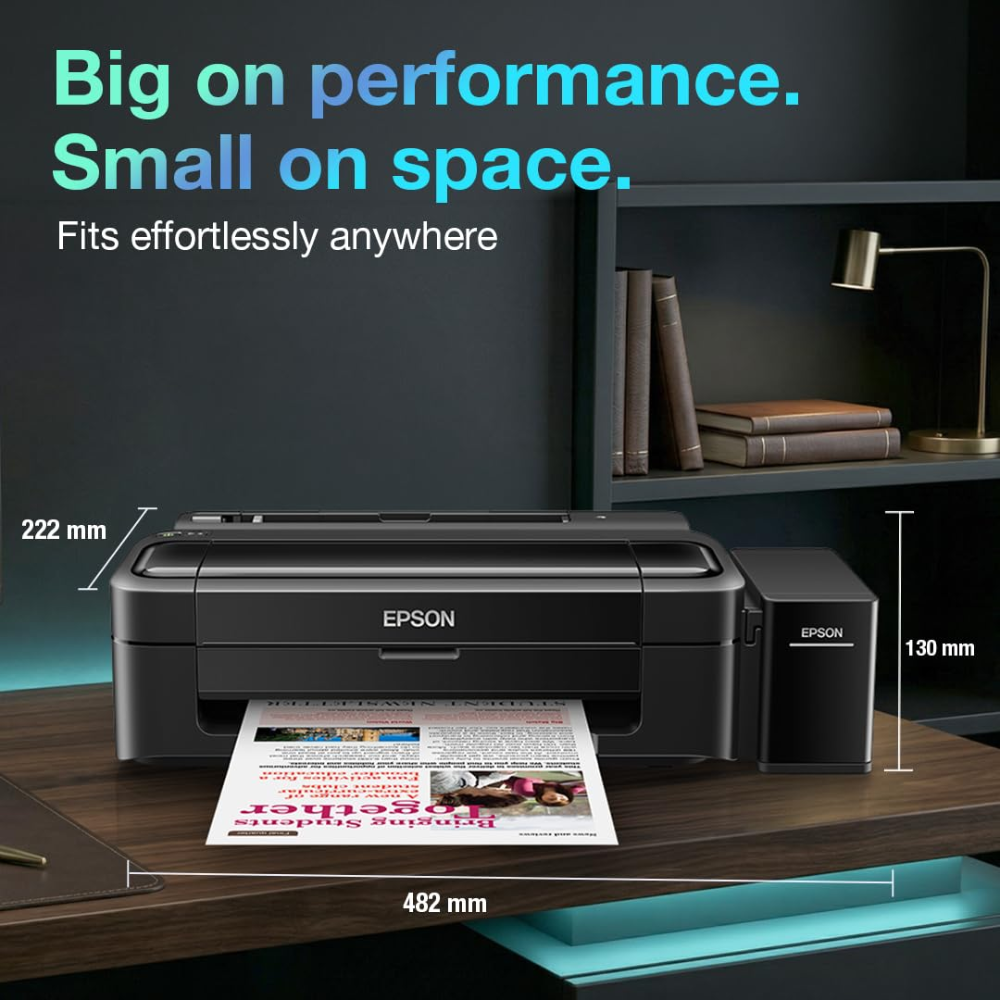
- Compact design suitable for space-conscious work areas.
- Supports printing on plain paper and compatible media.
- Genuine Epson ink system for reliable print quality.
Technical Specifications
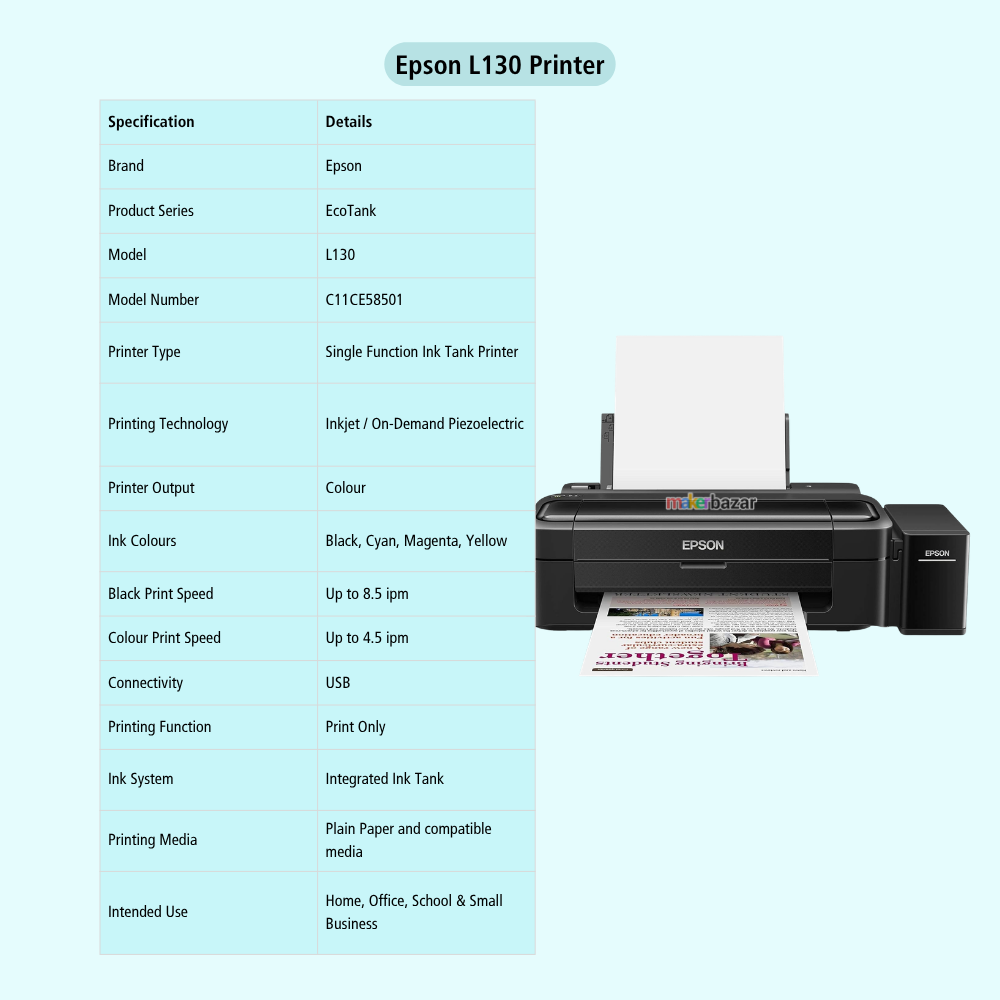
| Specification | Details |
|---|---|
| Brand | Epson |
| Product Series | EcoTank |
| Model | L130 |
| Model Number | C11CE58501 |
| Printer Type | Single Function Ink Tank Printer |
| Printing Technology | Inkjet / On-Demand Piezoelectric |
| Printer Output | Colour |
| Ink Colours | Black, Cyan, Magenta, Yellow |
| Maximum Print Resolution | 5760 × 1440 dpi |
| Black Print Speed | Up to 8.5 ipm |
| Colour Print Speed | Up to 4.5 ipm |
| Connectivity | USB |
| Printing Function | Print Only |
| Ink System | Integrated Ink Tank |
| Printing Media | Plain Paper and compatible media |
| Automatic Duplex | Not specified / No automatic duplex |
| Intended Use | Home, Office, School & Small Business |
| Warranty | 1 Year or 15,000 Prints, whichever comes first |
Applications
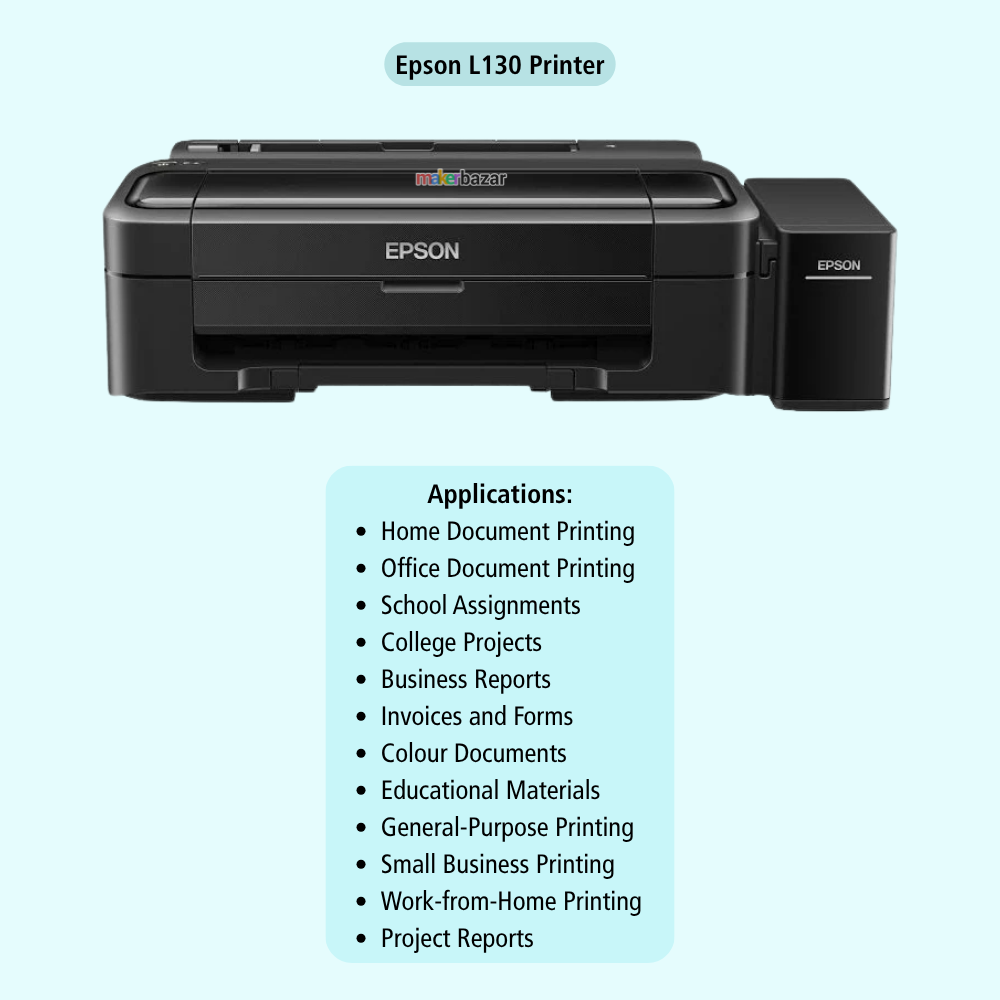
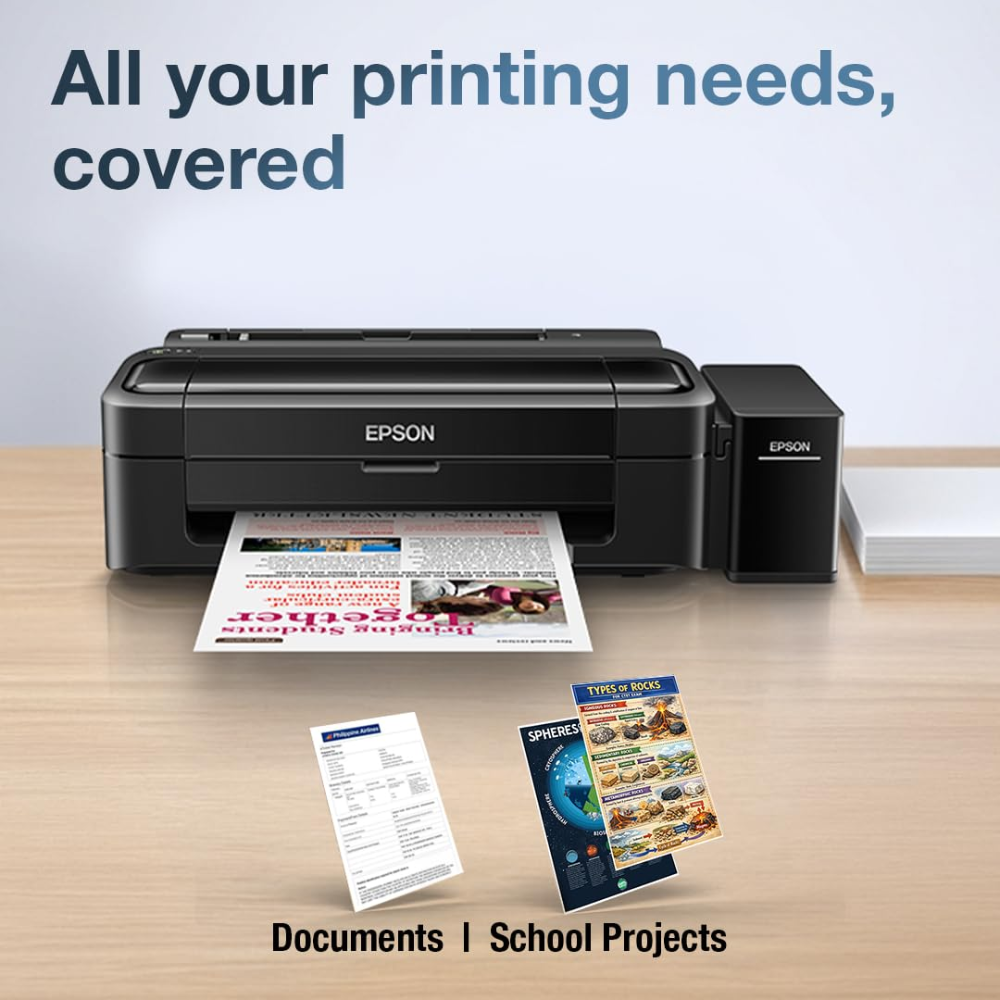
- Home Document Printing.
- Office Document Printing.
- School Assignments.
- College Projects.
- Business Reports.
- Invoices and Forms.
- Colour Documents.
- Educational Materials.
- General-Purpose Printing.
- Small Business Printing.
- Work-from-Home Printing.
- Project Reports.
- Everyday Document Printing.
Precautions
- Use genuine or Epson-recommended ink suitable for the L130.
- Do not operate the printer without sufficient ink in the required tanks.
- Keep the printer on a stable, level surface.
- Keep the printer away from excessive moisture, dust, and direct heat.
- Do not forcibly move the printhead or internal printer components.
- Use suitable paper recommended for inkjet printing.
- Avoid using damaged, excessively curled, or wet paper.
- Do not disconnect the printer during an active printing or maintenance operation unless necessary.
- Perform regular printer maintenance according to Epson's recommendations.
- Use the correct USB connection and compatible computer drivers.
- Store unused ink bottles properly and follow the manufacturer's handling instructions.
- Actual print speed and ink yield may vary depending on document complexity, print settings, paper type, and usage conditions.