


Description
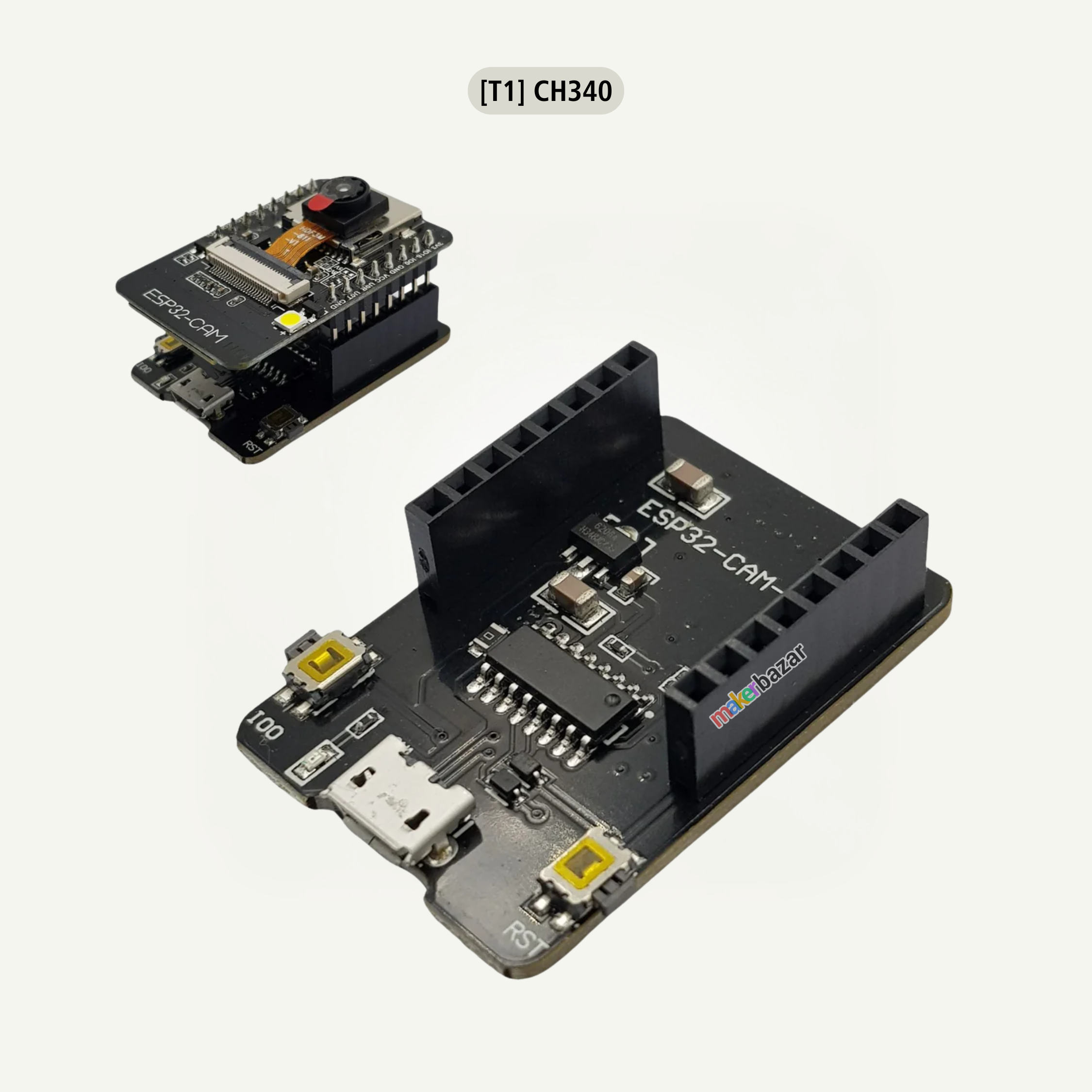
ESP32-CAM-MB MICRO USB Download Module for ESP32 CAM Development Board
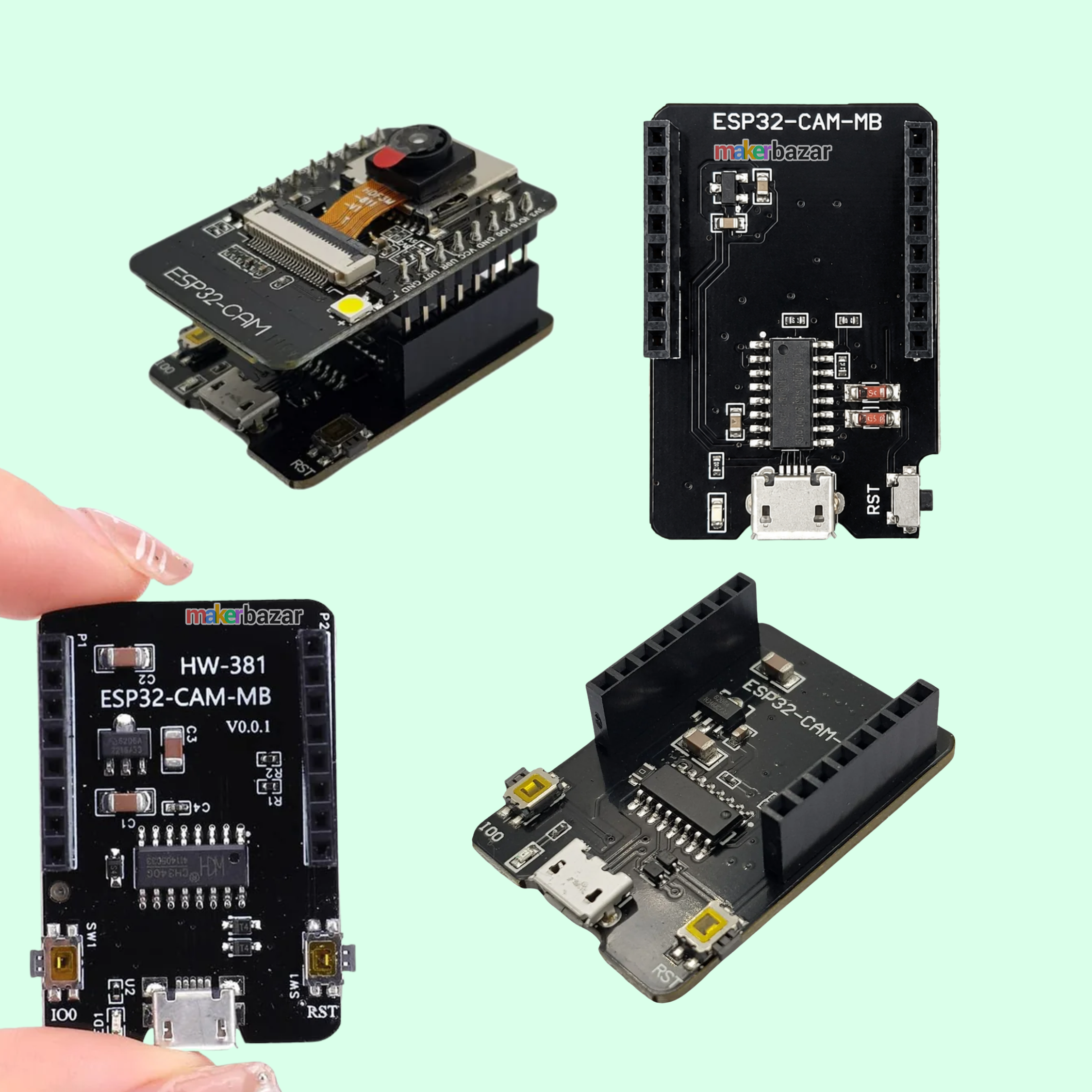
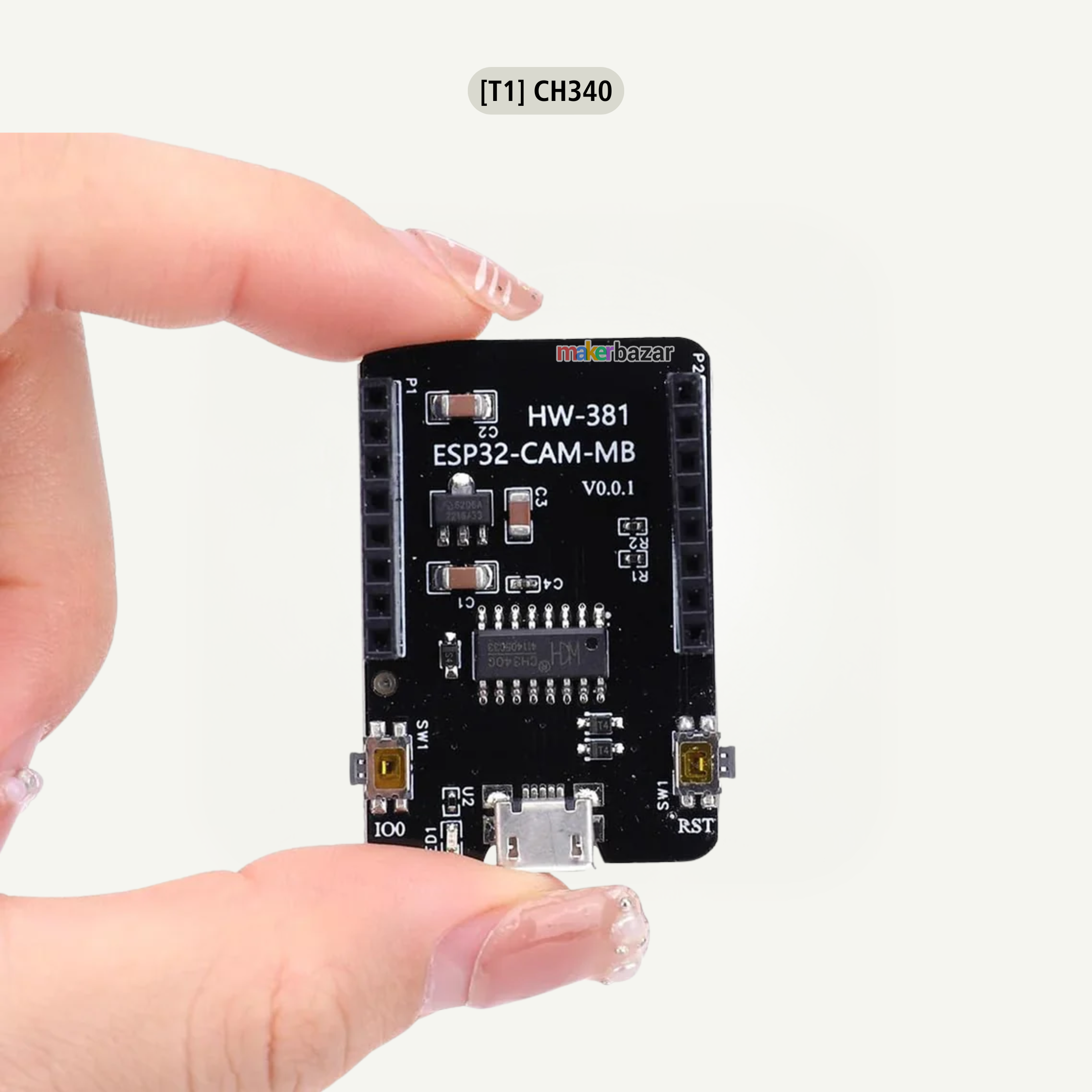
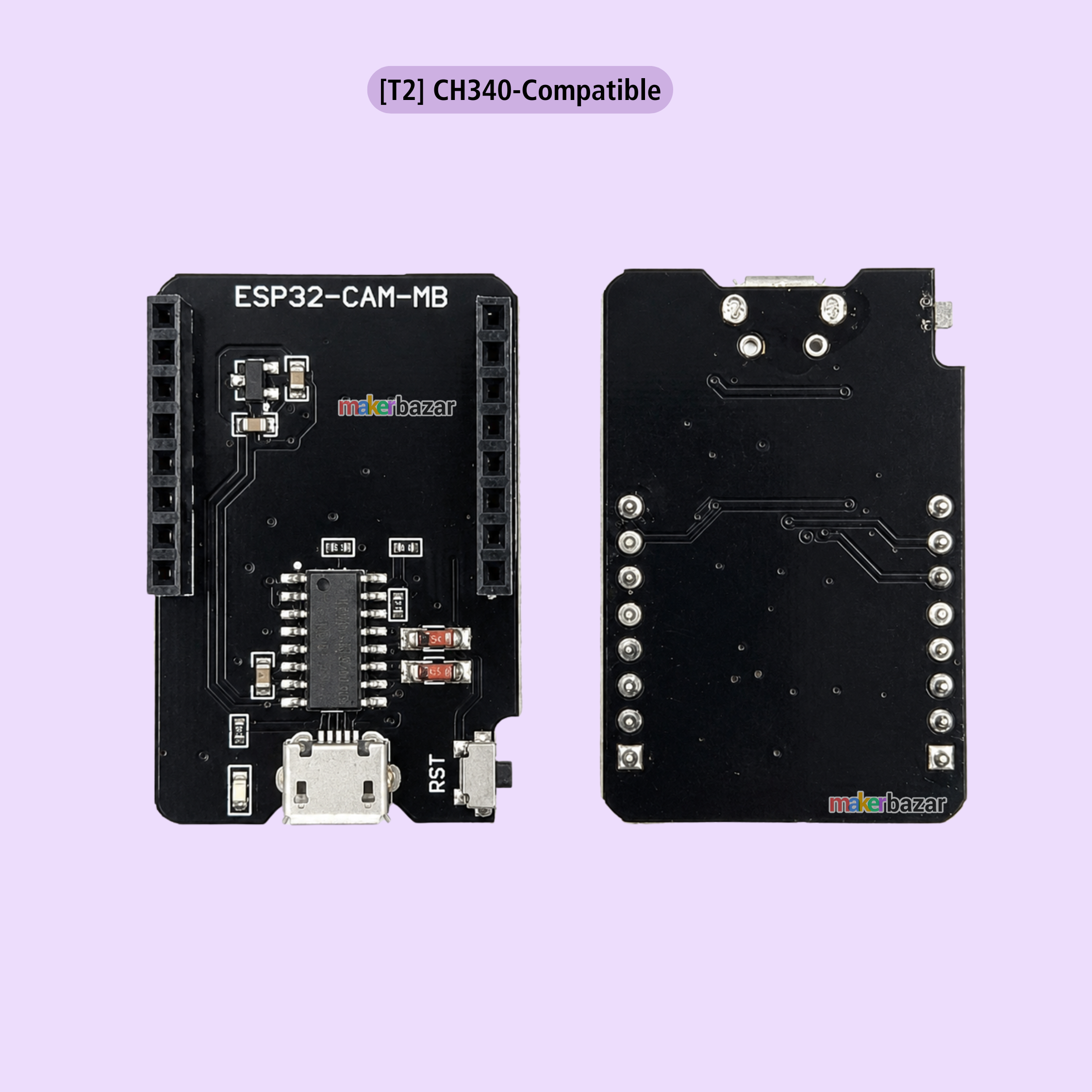
The ESP32-CAM-MB Micro USB Download Board is a dedicated programmer and development shield designed for the ESP32-CAM OV2640 Camera Module. Equipped with the reliable CH340G USB-to-Serial converter, it enables easy programming, firmware uploading, and debugging of ESP32-CAM modules through a Micro USB connection without requiring an external USB-to-TTL adapter.
Simply plug the ESP32-CAM module into the MB download board, connect it to your computer via a Micro USB cable, and upload code directly using the Arduino IDE or ESP-IDF. The onboard RESET button allows quick restarting and easy entry into programming mode, making development faster and more convenient.
The ESP32-CAM supports Wi-Fi and Bluetooth connectivity, camera image capture, Smart Config, AirKiss networking, FreeRTOS, deep sleep modes, OTA firmware updates, and image uploading. Combined with the ESP32-CAM-MB programmer, it becomes an ideal solution for IoT, smart surveillance, AI vision, robotics, home automation, and embedded development projects.
Key Features
- Designed specifically for ESP32-CAM OV2640 modules.
- Built-in CH340G USB-to-Serial converter.
- Micro USB interface for easy programming.
- No external FTDI programmer required.
- One-click firmware uploading.
- Onboard RESET button.
- Supports Arduino IDE and ESP-IDF.
- Compatible with Wi-Fi image upload applications.
- Supports Smart Config and AirKiss configuration.
- Supports STA, AP and STA+AP Wi-Fi modes.
- Compatible with OTA (FOTA) firmware updates.
- Compact plug-and-play development board.
- Stable and reliable USB communication.
- Ideal for IoT and camera projects.
Technical Specifications
| Specification | Details |
|---|---|
| Product Name | ESP32-CAM-MB Download Board |
| Model | ESP32-CAM-MB |
| Compatible Module | ESP32-CAM OV2640 Camera Module |
| USB Interface | Micro USB |
| USB to Serial Chip | CH340G |
| Operating Voltage | 5V DC (via Micro USB) |
| Programming Interface | USB Serial |
| Reset Button | Yes |
| Wi-Fi Support | Yes (Through ESP32-CAM) |
| Bluetooth Support | Yes (Through ESP32-CAM) |
| Camera Support | OV2640 / OV7670 |
| Wi-Fi Modes | STA / AP / STA+AP |
| Maximum CPU Frequency | Up to 160 MHz |
| Computing Performance | Up to 600 DMIPS |
| RTOS Support | FreeRTOS |
| TCP/IP Stack | LwIP |
| Smart Config | Supported |
| AirKiss Configuration | Supported |
| OTA Firmware Update | Supported (FOTA) |
| Sleep Modes | Multiple Sleep Modes Supported |
| Development Platform | Arduino IDE, ESP-IDF |
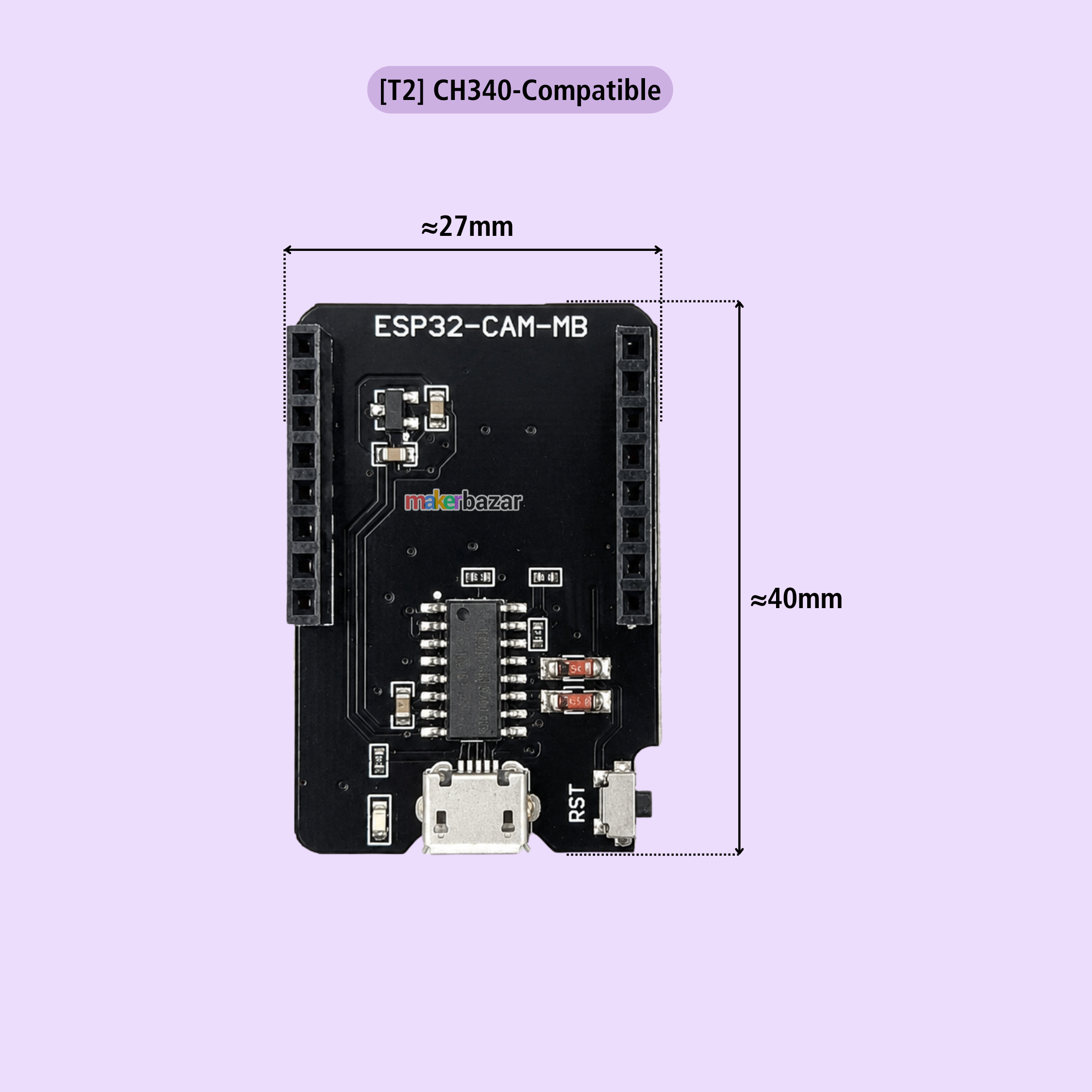
| Dimensions | Approx. 40 × 27 mm |
| Application | ESP32-CAM Programming & Development |
Applications
- ESP32-CAM Programming.
- AI Camera Projects.
- IoT Development.
- Smart Home Automation.
- Wireless Surveillance Systems.
- Face Recognition Projects.
- QR Code Scanner.
- Image Capture Applications.
- Robotics Projects.
- Remote Monitoring Systems.
- Embedded Development.
- Educational Learning Kits.
- Wireless Camera Systems.
- DIY Electronics Projects.
Precautions
- Compatible only with ESP32-CAM modules.
- Connect the ESP32-CAM module in the correct orientation.
- Use a quality Micro USB cable capable of data transfer.
- Avoid connecting or removing the module while powered.
- Protect the board from static electricity.
- Do not exceed the recommended operating voltage.
- Disconnect power before making hardware changes.
- Store in a dry, dust-free environment.