




Description
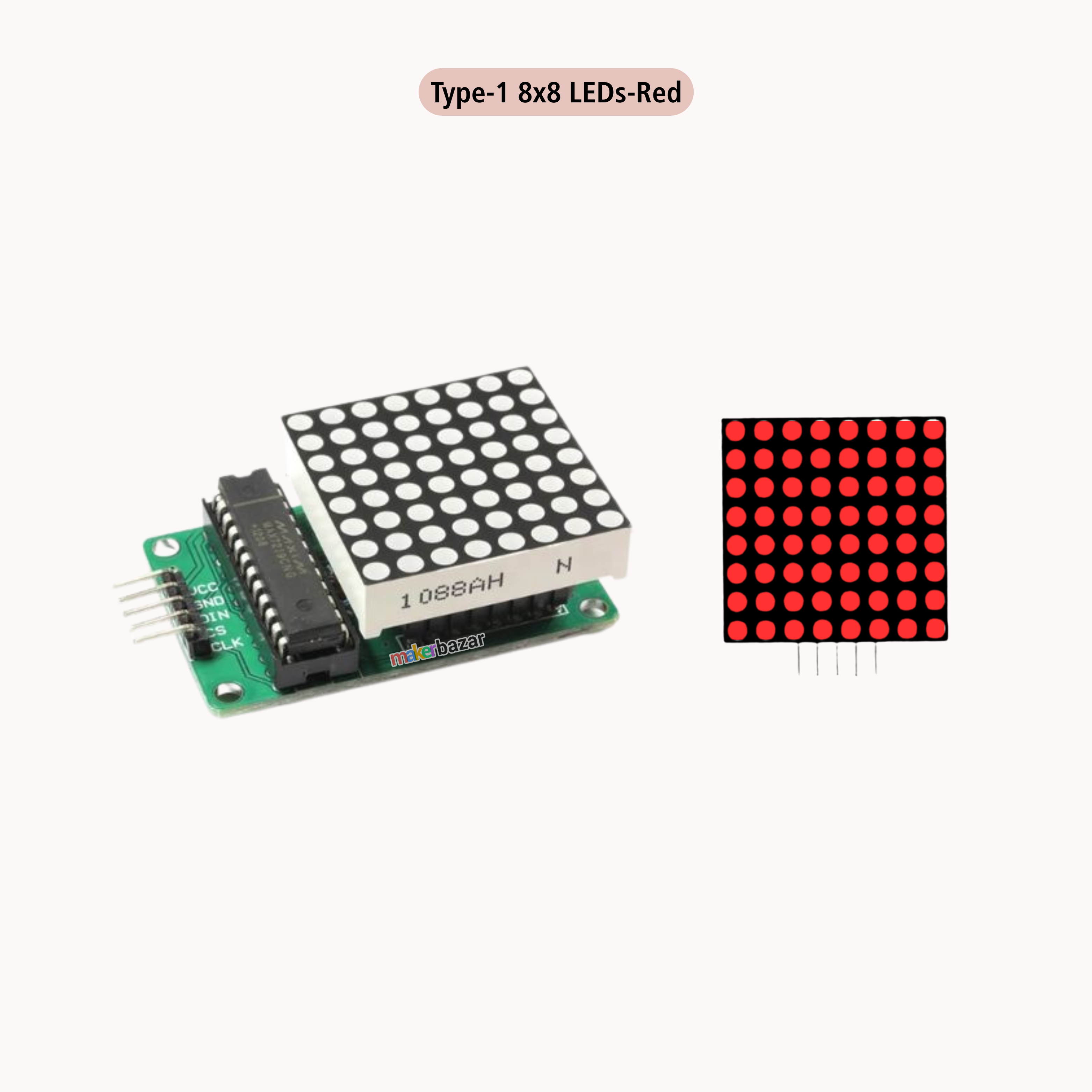
MAX7219 Dot Led Matrix Module MCU Control LED Display Module
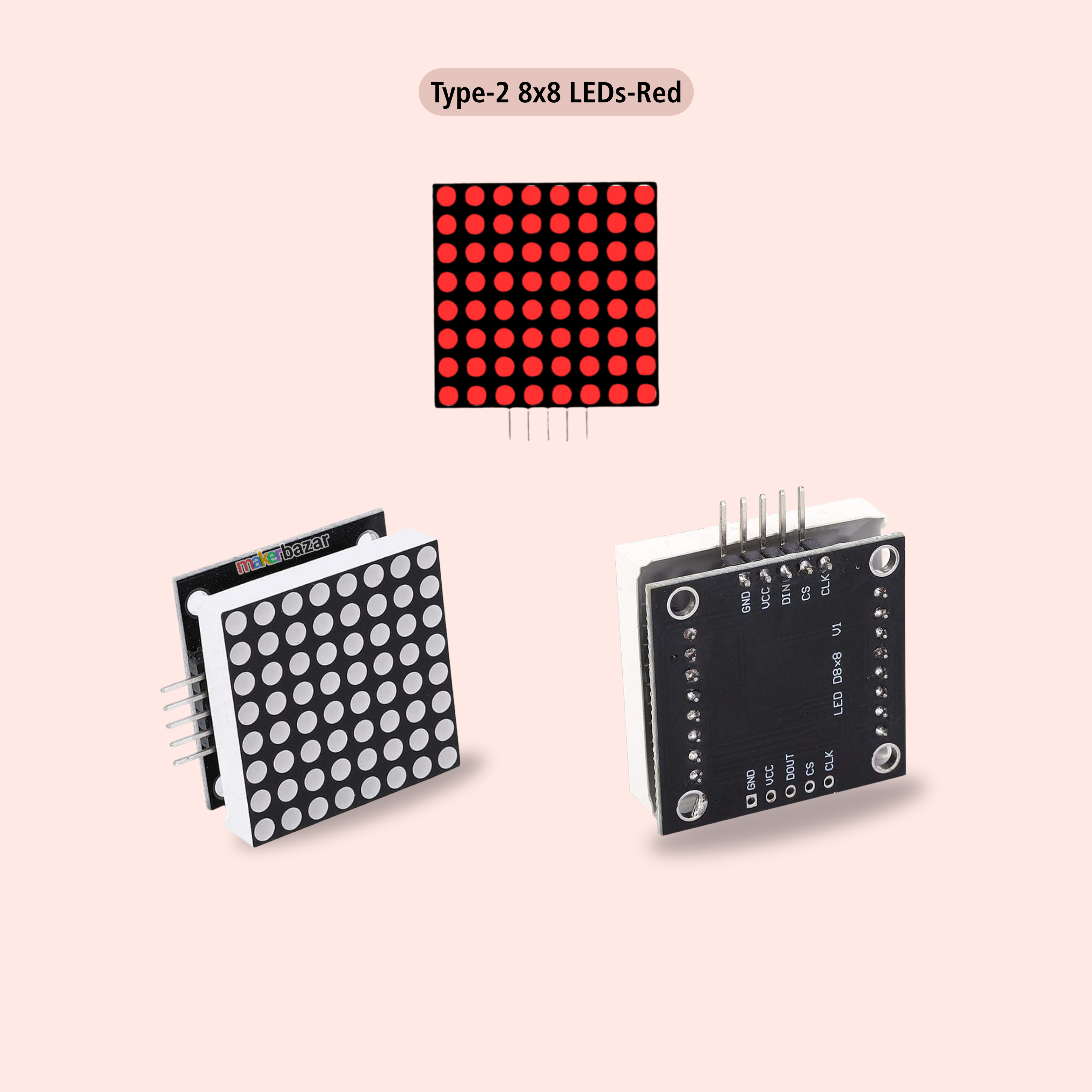
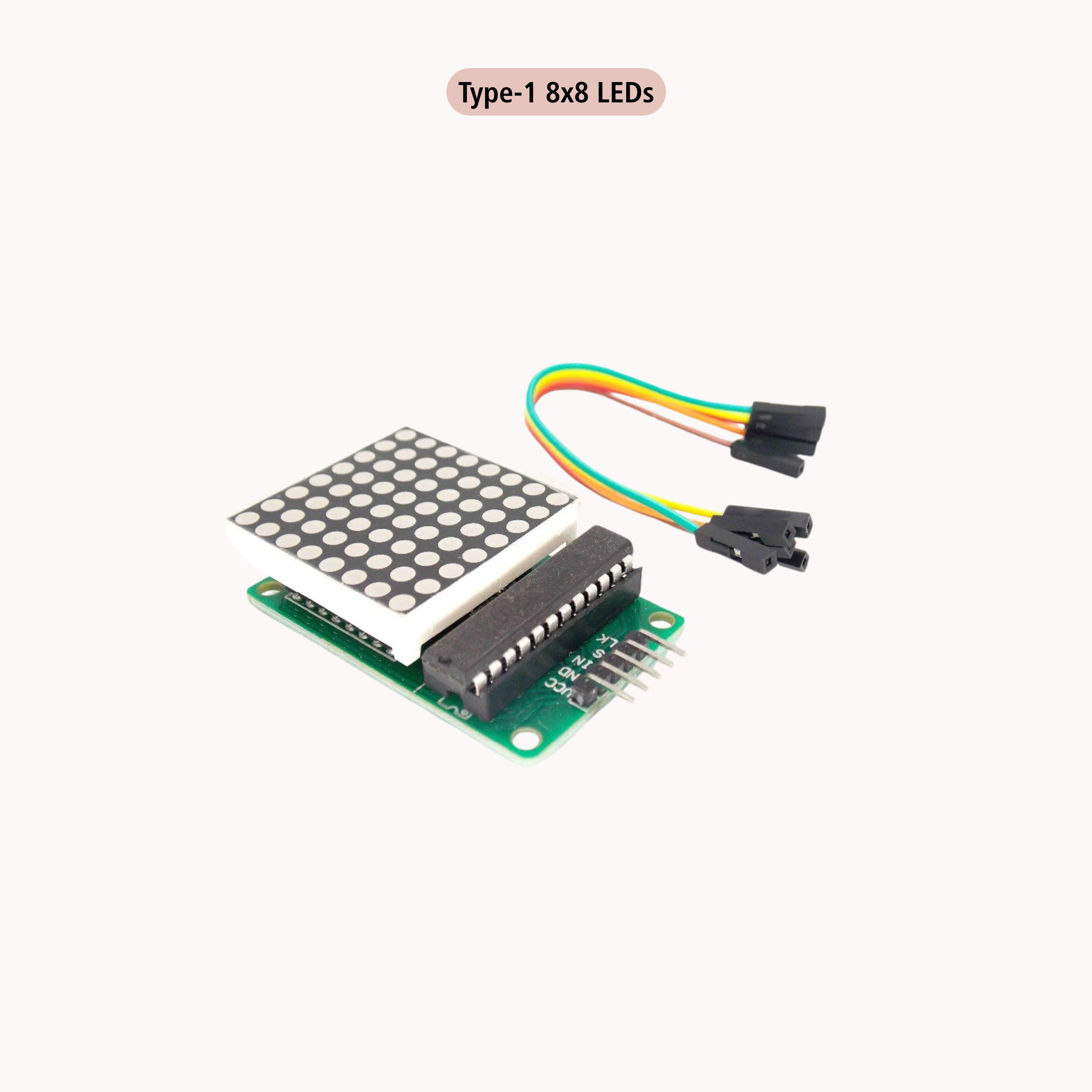
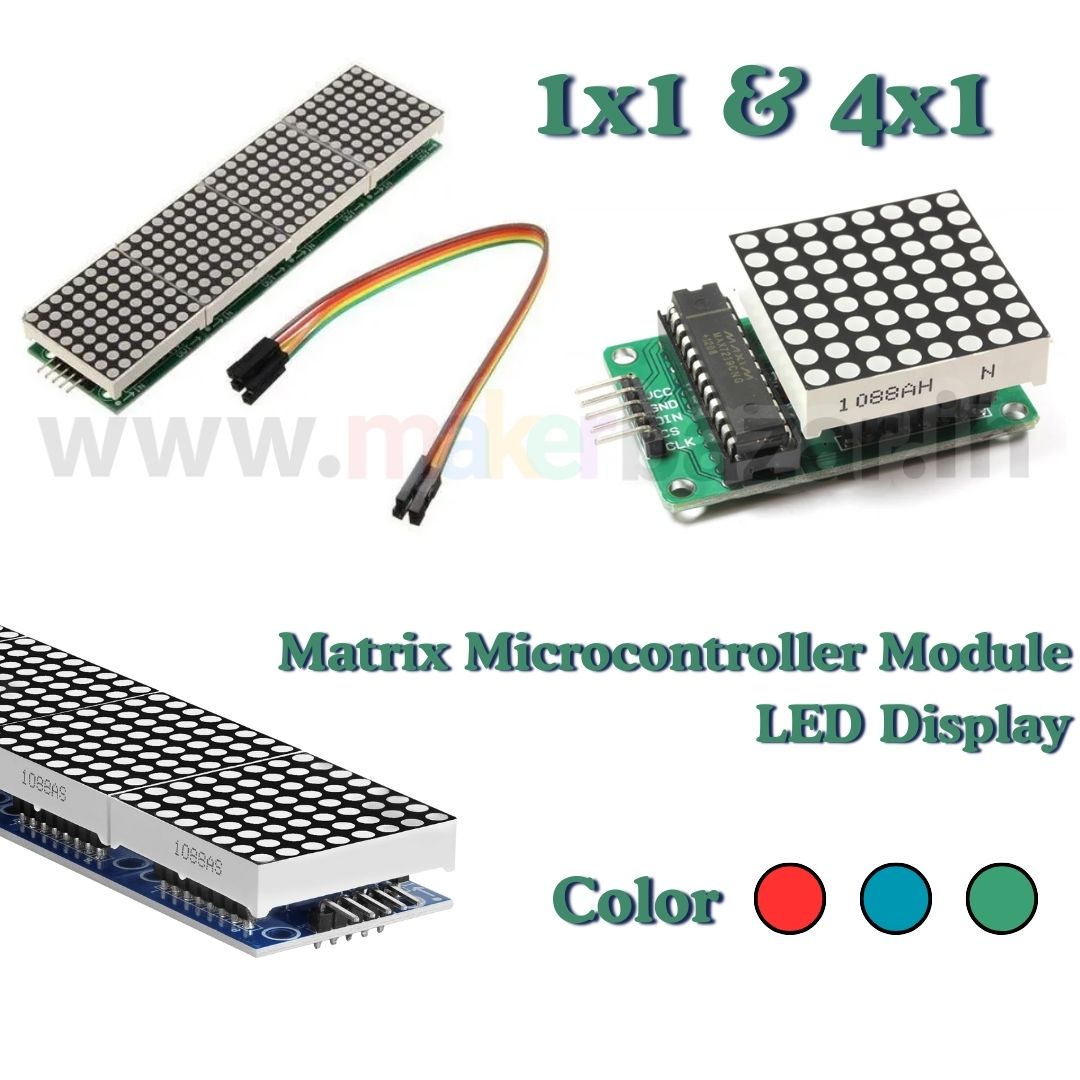
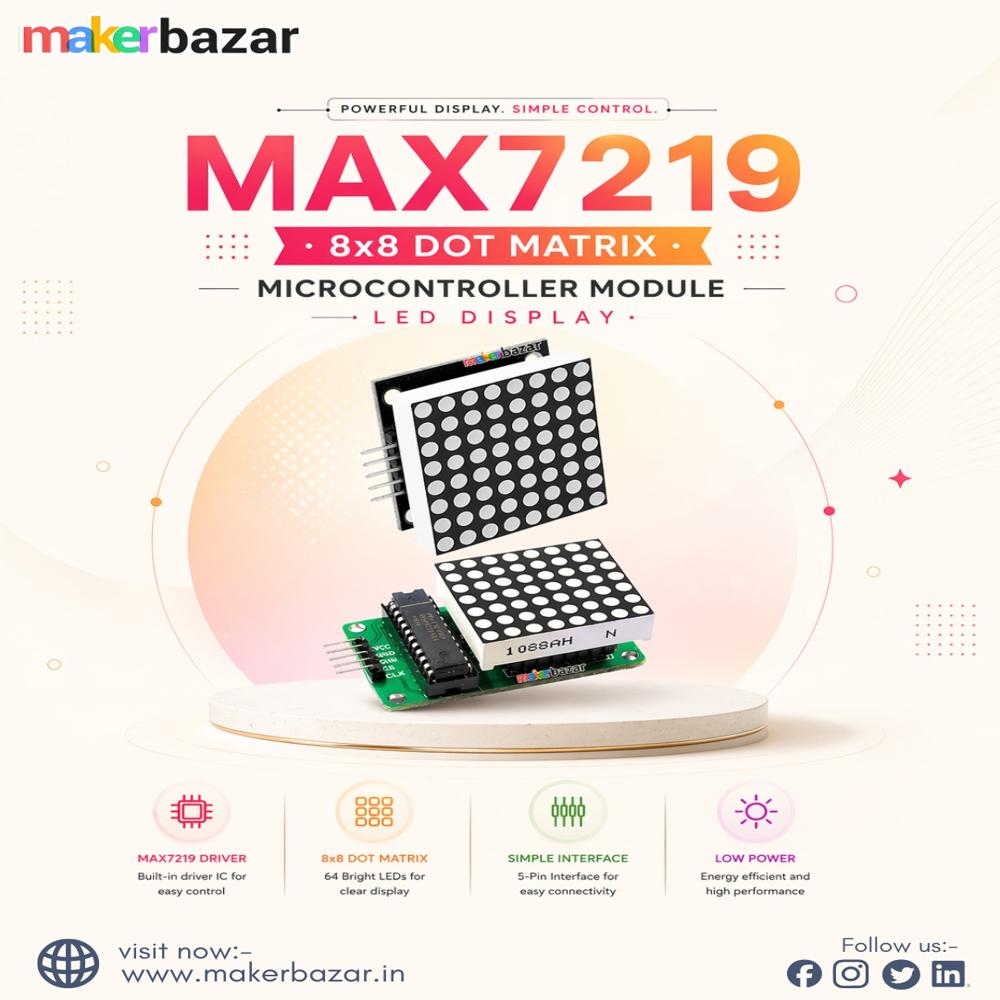
The MAX7219 Dot LED Matrix Display Module is a compact and powerful visual display solution designed for microcontroller-based projects. Powered by the MAX7219 driver IC, this module allows precise control of LED animations, scrolling text, symbols, and numeric displays using only three MCU communication pins.
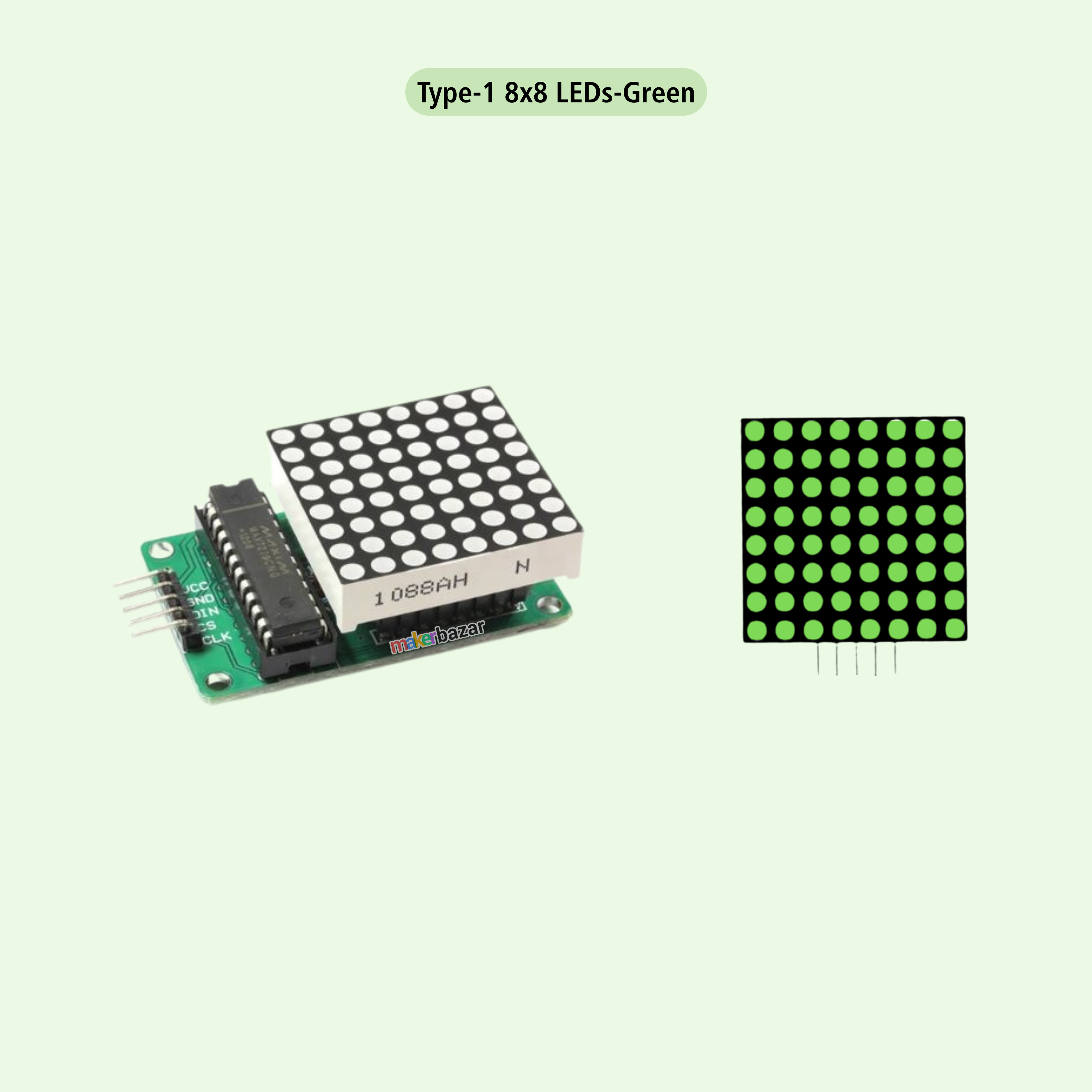
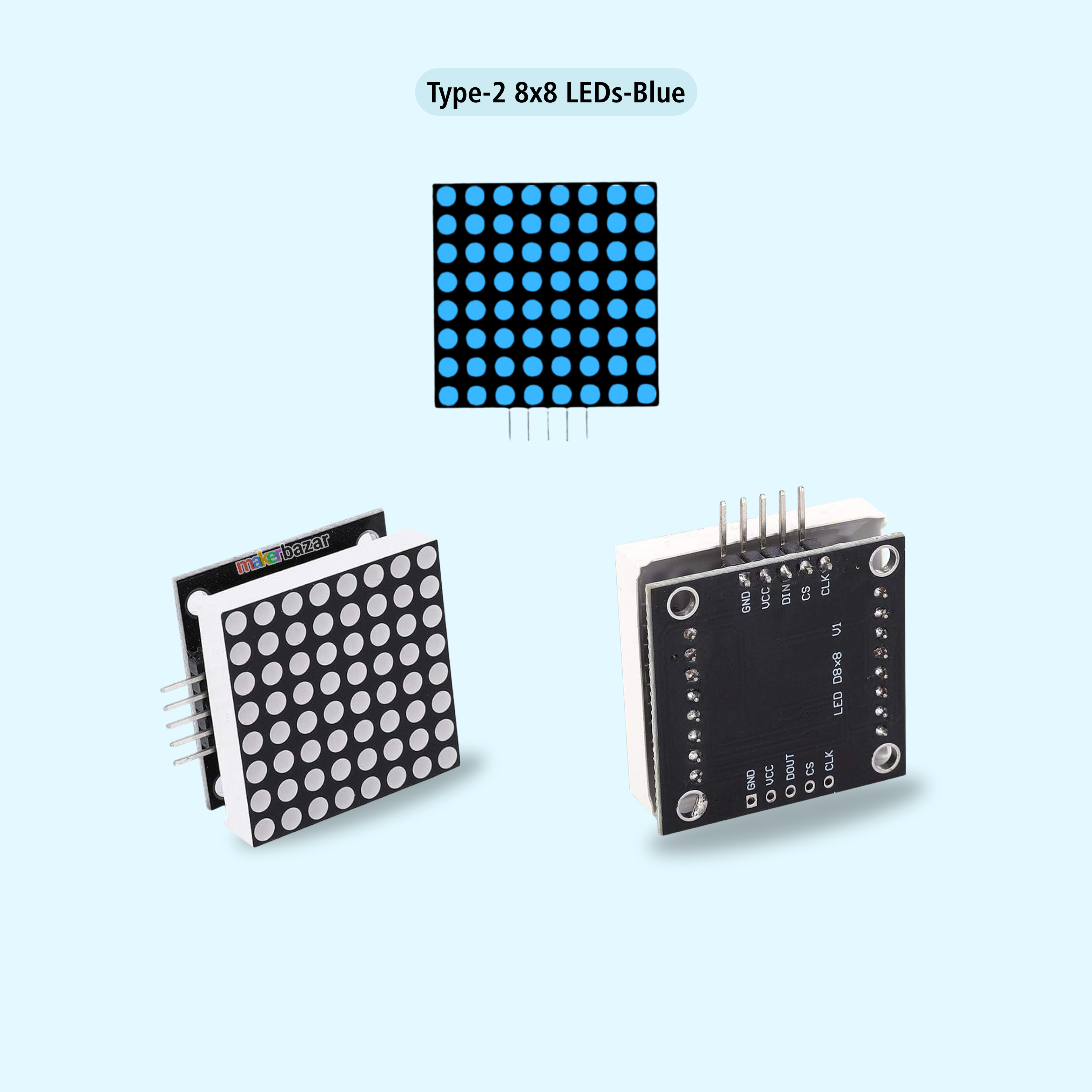
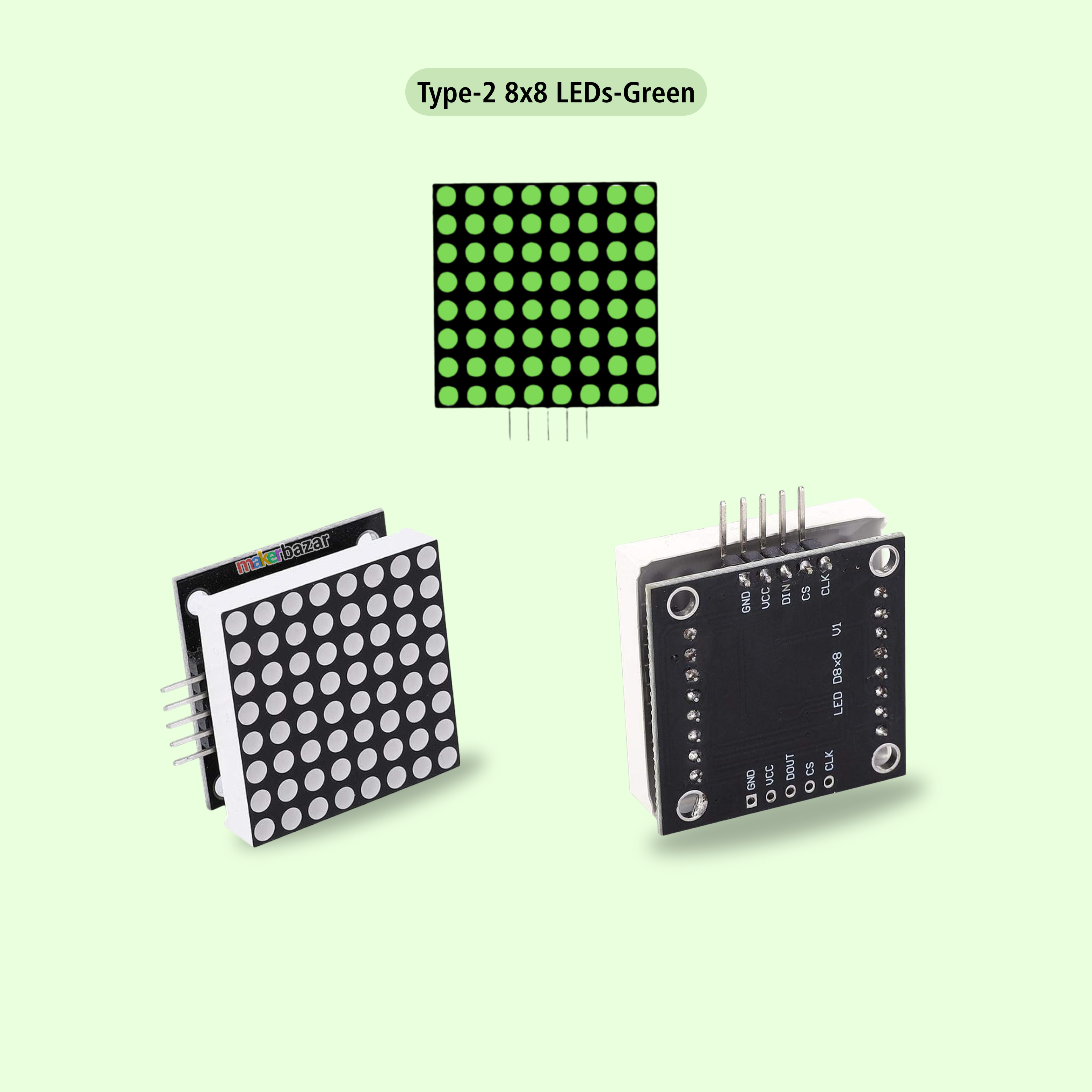
Available in 8×8 and offered in Red, Green, and Blue LED colors, this module is ideal for expanding visual output without consuming excessive GPIO resources. Multiple modules can be cascaded easily, allowing you to build larger displays with minimal wiring. It interfaces seamlessly with popular development platforms like Arduino and Raspberry Pi, making it perfect for beginners and professionals alike.
Key Features:
-
Integrated MAX7219 LED driver IC
-
Requires only 3 MCU communication pins
-
Supports 8×8 matrix variants
-
Available in Red, Green, and Blue LEDs
-
Easy cascading of multiple modules
-
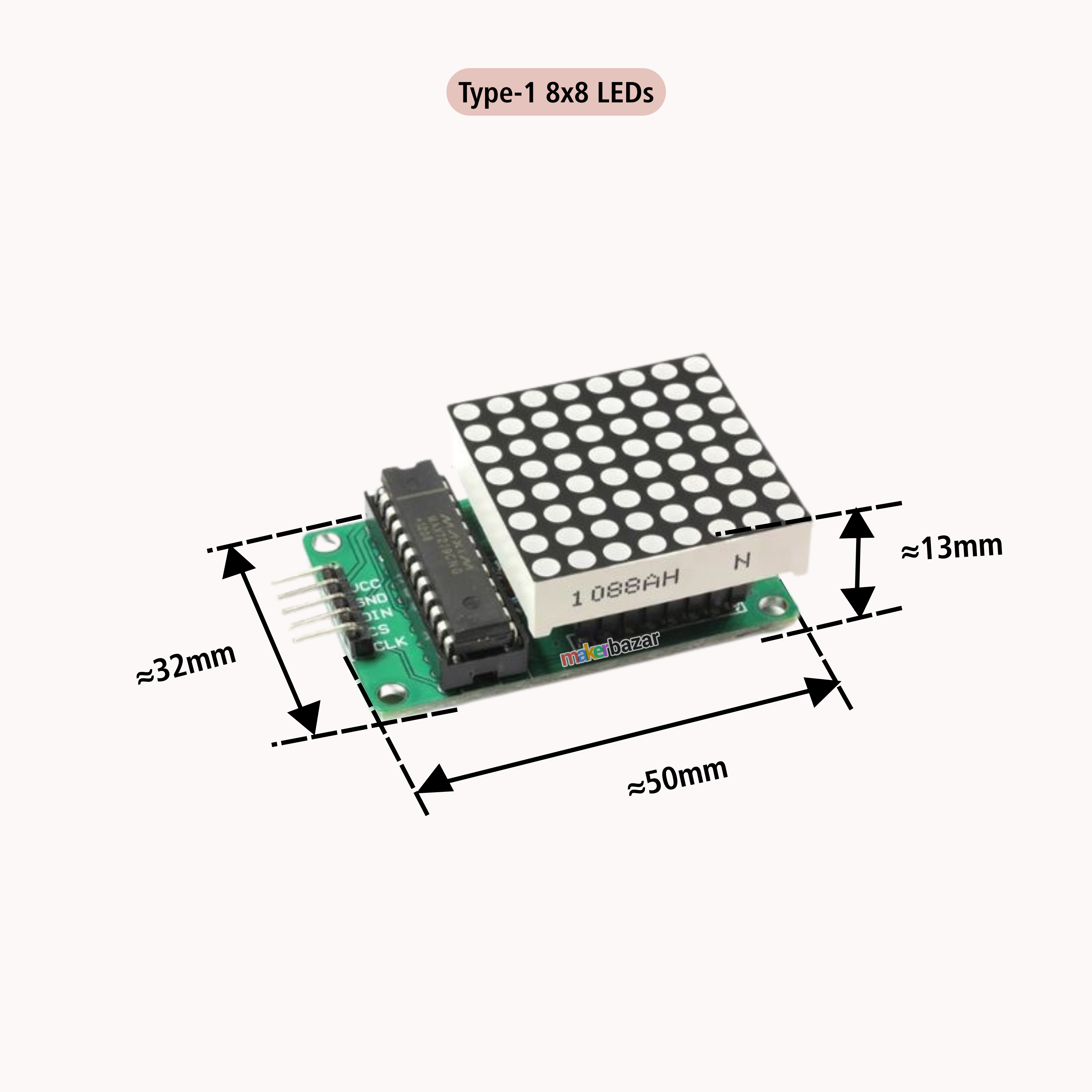
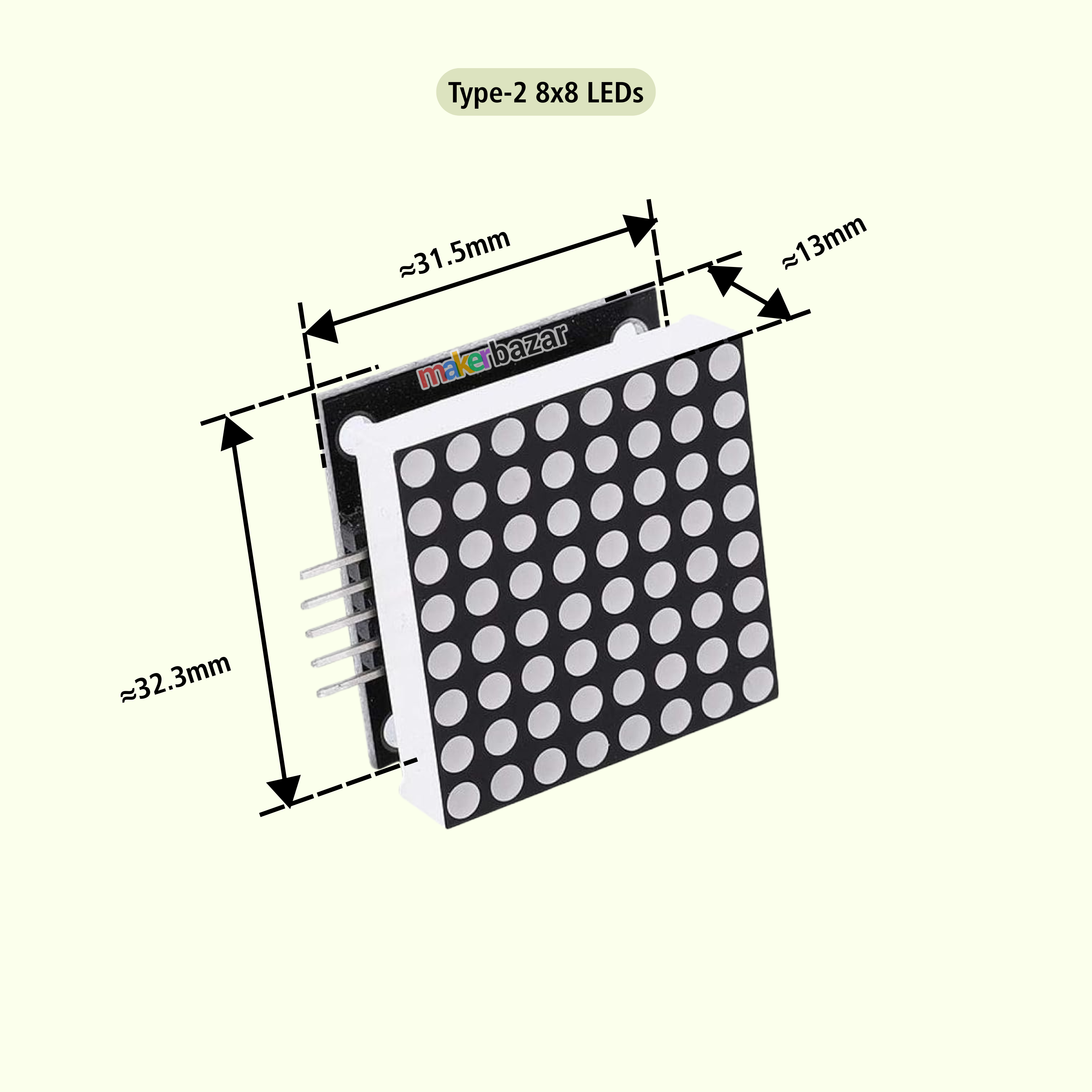
Compact PCB with M3 mounting holes
-
Low power consumption with stable output
-
Ideal for animations, text scrolling, and symbols
Technical Specifications:
| Specification | Details |
|---|---|
| Driver IC | MAX7219 |
| Display Type | Dot LED Matrix |
| LED Colors | Red, Green, Blue |
| LED Configuration | Common Cathode |
| Operating Voltage | 5V DC |
| Max Supply Voltage | 6V(Not Recommended) |
| Forward Voltage | 1.5V – 2.0V |
| Forward Current | 10–15 mA (typical 10 mA) |
| Interface | SPI-like Serial |
| Pins Required | DIN, CLK, CS |
| Data Delay | 2.2 ms |
| Operating Temperature | -25°C to +60°C |
| Power Consumption | Low |
| Mounting | PCB with M3 holes |
Pin Connection (Arduino Example):
-
VCC → 5V
-
GND → GND
-
DIN → Pin 12
-
CS → Pin 10
-
CLK → Pin 11
Applications:
-
Arduino & Raspberry Pi display projects
-
LED animations & scrolling text boards
-
Digital counters & scoreboards
-
Result displays & indicators
-
Educational electronics & STEM kits
-
DIY robotics and automation projects
Precautions:
-
Do not exceed 5V input voltage
-
Ensure correct DIN, CLK, CS wiring
-
Disconnect power before cascading modules
-
Avoid moisture and static discharge
-
Use a regulated power supply for the best results